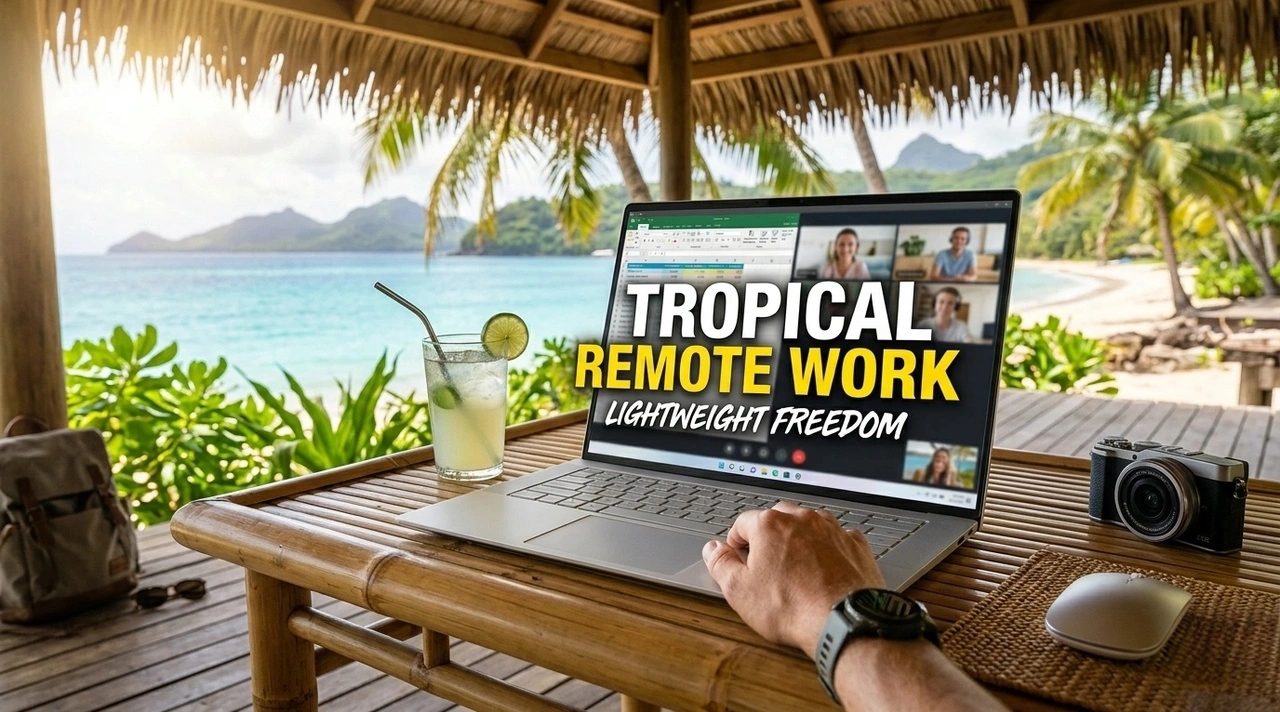

A second screen can make remote work feel more like a real office. I understand the appeal immediately: more room for research, fewer window switches, and a place to keep messages open while writing. The question is whether that improved desk experience is worth carrying another object through every bus, guesthouse, and cafe.
I have traveled with a second screen and I have worked for months without one. The difference was not productivity in the abstract. It was the kind of work I had that week and the places where I expected to do it.
Why the idea is appealing
At home, a second monitor changes how you use a laptop. You can place a document on one screen and notes on the other. A spreadsheet becomes easier to scan. A video call can stay visible while you type. The setup reduces the constant resizing that makes a laptop feel cramped.
When you work remotely, that memory follows you. You imagine the same desk in a new city, which makes a portable monitor sound less like an accessory and more like a way to protect your efficiency. The problem is that remote work rarely looks like the desk you left behind.
The honest work cases for a second screen
A portable monitor earns its place when your work depends on comparing information that will not fit comfortably on one display. Spreadsheets with many columns, editing timelines, research tabs, and design references are obvious examples. If you constantly switch windows and lose your place, a second screen can make the task feel calmer.
It also helps when you use one screen for communication and one for focused work. Keeping a client chat or meeting visible can reduce context switching, especially during a busy workday. A writer may not need that, but someone managing messages, tickets, and documents at once may notice the benefit immediately.
Café tables expose the setup problem
Cafes are where portable monitors become complicated. A table for two may not have enough width for a laptop and a second screen. Sunlight can wash out both displays. Power outlets may be far away, and the table may be too small for a stand, cables, and a drink.
If most of your work happens in cafes, I would ask whether you can change the work instead of the gear. Split the day into a focused laptop block and a later apartment block. Save the tasks that need two screens for the place where you have a stable table. A monitor will not fix a workspace that is already too small.
Apartments make a monitor easier to justify
An apartment or long-stay room changes the equation. You have a predictable surface, a place to leave the monitor assembled, and enough time to benefit from the setup. If you are staying for a month or more, the daily cost in weight becomes easier to accept.
This is especially true if the accommodation has a desk. A monitor can stay connected for the whole stay, and you can work in the same position each morning. The setup becomes part of the room rather than something you unpack in public.
But a long stay does not automatically mean a monitor is necessary. If the desk is small or the room has limited outlets, the experience can still be awkward. I would look at the accommodation photos carefully and ask about desk size before deciding. The best monitor is useless if there is nowhere to place it.
Cables and power decide whether it stays packed
A portable monitor is never only a screen. It comes with a cable, maybe a stand, sometimes a power adapter, and a need for enough battery or outlet capacity. Those extra pieces determine whether the setup feels portable in practice.
Some monitors can draw power from a laptop over USB-C, which keeps the setup simpler. Others need their own power source, especially if the laptop is already working hard. If I have to carry a separate charger for the monitor, I add that to the real weight of the decision.
I also check whether the connection works without a dongle. An adapter that works at home may not work with a different laptop or a hotel outlet. The more parts between the laptop and the screen, the more chances for a cable to be lost or a connection to fail.
For a long trip, I would test the complete kit at a normal table before packing it: laptop, monitor, cable, stand, charger, and the space they need. If the setup feels fragile before the trip begins, it will feel worse after a week of travel.
When your laptop screen is already enough
Most of my writing, email, and light research fits on a laptop. If I close the tabs I am not using, the screen is enough. The problem is often not a lack of pixels but an accumulation of open windows.
I use a simple rule: if a task can be completed with one document and one communication window, a second monitor is optional. If I need to compare several sources, move data, or keep a reference visible for hours, the extra screen becomes more useful.
The lightweight laptop setup I use for tropical remote work already asks me to think about weight and heat. A second display adds another object that must be protected from rain, packed carefully, and carried between rooms. That does not make it a bad choice. It simply means the benefit has to be clear.
I would not copy a home-office setup just because it looks productive. A remote-work kit should match the work you do most often, not the work you imagine doing on a perfect day.
The weight test before a long trip
Before a long trip, I put the monitor and everything required to use it in my bag. Then I carry the bag through a normal day: walk to a cafe, take public transport, climb stairs, and set up at a table. The test reveals more than a specification.
If I notice the monitor every time I move, I ask whether I will use it enough to justify that awareness. If it disappears into the bag and I still use it regularly, it may be worth keeping. The same logic applies to a stand or keyboard that only works in one accommodation.
I also consider what I would leave behind to make room. A second screen cannot be added in isolation. Something else loses space, whether it is clothing, a camera, or a small comfort item. That trade is the real decision.
A lighter alternative I would try first
Before buying a monitor, I would try using the laptop screen more deliberately. Keep one task visible at a time. Use a tablet as a temporary reference display if you already carry one. Move messages to a phone or turn off notifications while you write.
If you already use a tablet and it fits your workflow, it can fill a narrow version of the second-screen role without adding another large device. The setup may not be perfect, but it can answer the important question: do you need more visual space, or do you need fewer open tasks?
For some work, a compact keyboard and a raised laptop are more valuable than another screen. Better posture can improve a long work session even when the display stays the same. The deep work routine I use while moving between cities is built around reducing context switches, not adding more surfaces.
Who should skip a portable monitor
I would skip it if most work happens in cafes, if the accommodation has no stable desk, if the trip changes location every few days, or if the laptop already feels heavy. I would also skip it if the main problem is disorganization rather than screen space.
I would consider it for long apartment stays, data-heavy work, frequent reference checking, or a job that regularly uses two windows at once. The longer you stay in one place and the more predictable your desk, the easier the monitor is to justify.
How I decide now
I decide by imagining a normal Tuesday, not a perfect workday. Where will I sit? How long will I stay? What task will need more space? What will I carry on the walk back?
If the answer points to a stable apartment and work that genuinely needs two screens, I would pack one. If the answer is a moving route and a laptop that already does the job, I would leave it behind. The portable monitor is not a requirement for remote work. It is a tool for a specific way of working, and the best time to carry it is when that way of working becomes your normal one.