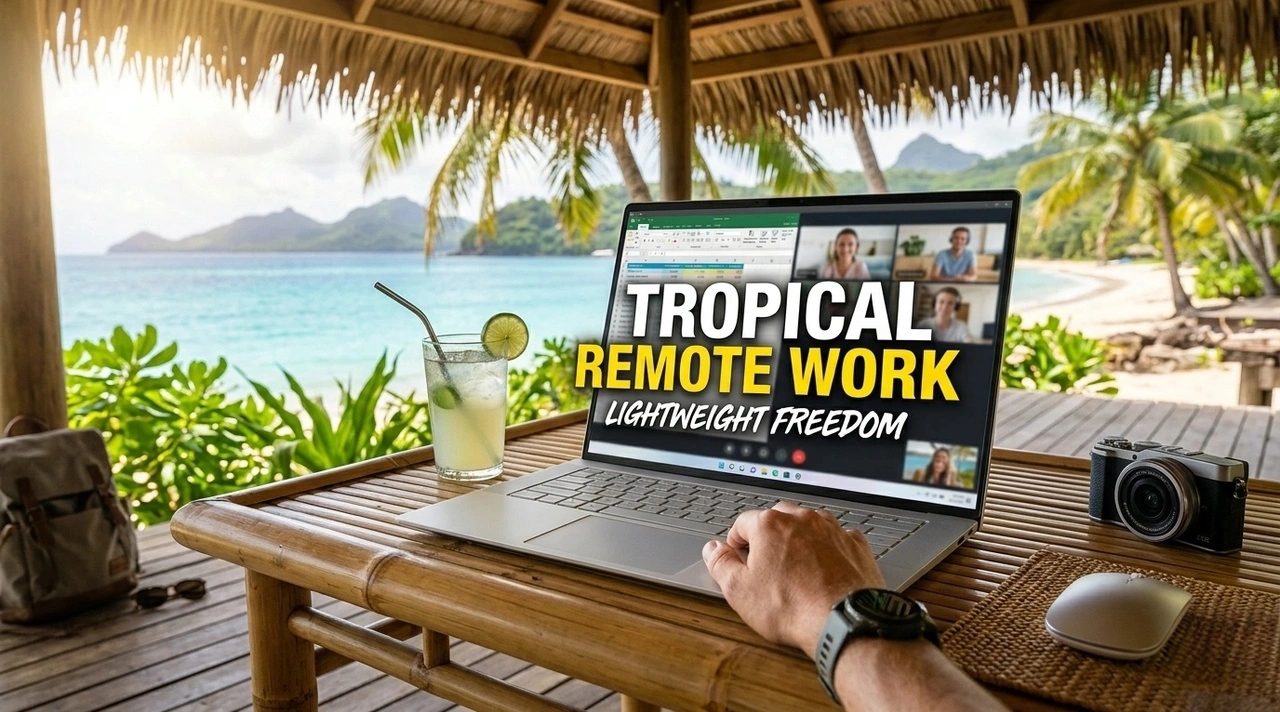
Working remotely from tropical destinations sounds amazing—until your laptop starts overheating in a beachside café.
After spending the last few years working from places like Chiang Mai, Bali, Da Nang, and Kuala Lumpur, I've noticed that most "best laptop" lists focus on performance benchmarks and specs. In reality, remote workers in tropical climates face a different set of challenges: heat, humidity, unreliable power outlets, constant travel, and long work sessions in cafés with questionable air conditioning.
If you're planning to work remotely across Southeast Asia or other tropical destinations, here's what actually matters when choosing a lightweight laptop.
Why Tropical Remote Work Changes Everything
A laptop that performs perfectly in an air-conditioned office in New York may struggle in a coworking space in Bali during a humid afternoon.
The biggest issues remote workers report are:
- Overheating during video calls
- Fans running constantly
- Battery draining faster in hot environments
- Difficulty working outdoors
- Excess weight while traveling between cities
- Humidity affecting keyboards and ports
Unless you're editing 4K videos or training AI models, carrying a heavy workstation often creates more problems than it solves.
What Most Remote Workers Actually Need
For the average remote worker, daily tasks usually include:
- Google Workspace
- Notion
- Slack
- Zoom or Google Meet
- Web browsers with dozens of tabs
- Basic photo editing
- Content writing
- Project management tools
Instead, you want a machine that is:
- Under 1.5 kg (3.3 lbs)
- Has all-day battery life
- Runs cool in warm environments
- Has a bright screen for café use
- Survives constant travel
Why So Many Digital Nomads Choose the MacBook Air
Walk into almost any coworking space in Chiang Mai or Bali and you'll notice a pattern.
The majority of long-term remote workers use a MacBook Air.
There's a reason.
The latest Apple Silicon models have changed the game for remote work.
Real User Experience
A freelance SEO consultant I met in Chiang Mai switched from a high-performance Windows laptop to a MacBook Air after getting tired of fan noise and battery anxiety.
His experience was surprisingly common:
"My old laptop could barely survive three Zoom calls in a café. The MacBook Air lasts the entire day."
Many remote workers report similar results.
The fanless design means there are fewer dust-related issues, and the efficiency of Apple Silicon helps keep temperatures manageable even in warmer climates.
What Makes It Ideal
- Extremely lightweight
- Silent operation
- Exceptional battery life
- Minimal heat generation
- Reliable sleep/wake performance
- Strong build quality for travel
The Best Windows Alternative
Not everyone wants macOS.
For Windows users, the Microsoft Surface Laptop series consistently receives praise from frequent travelers.
Why It Works Well
The Surface Laptop balances portability and battery life without becoming bulky.
Remote workers often mention:
- Comfortable keyboard for long writing sessions
- Bright display for cafés
- Premium build quality
- Lightweight design
"The closest Windows machine I've used to the MacBook Air experience."
The biggest advantage is familiarity. If your workflow depends on Windows-specific software, the transition is seamless.
What About Developers?
Developers often have slightly different requirements.
Running local environments, Docker containers, and multiple browsers can stress lightweight machines.
Interestingly, many software engineers traveling in Southeast Asia still choose lightweight laptops rather than gaming laptops.
The reason is simple.
You carry your laptop every day.
A 2.5 kg machine quickly becomes frustrating when you're moving between airports, cafés, coworking spaces, and apartments.
Most developers I've met prefer:
- MacBook Air
- MacBook Pro 14"
- Lenovo ThinkPad X1 Carbon
The Hidden Importance of Battery Life
Many first-time digital nomads underestimate how valuable battery life becomes.
Not every café has convenient power outlets.
Some coworking spaces charge extra for premium seating.
Airport delays happen.
Bus rides between cities happen.
Power outages happen.
A laptop that genuinely lasts 10 to 15 hours provides a level of freedom that's difficult to appreciate until you've experienced it.
One remote worker in Bali told me:
"Battery life matters more than CPU performance. I use it every day."
That comment stuck with me because it's true for most remote professionals.
Tropical Weather and Laptop Heat
Heat is the silent productivity killer.
Even premium laptops can struggle when ambient temperatures rise.
Some practical lessons from long-term travelers:
Avoid Black Laptop Sleeves
Dark materials absorb heat quickly when exposed to sunlight.
Never Leave Your Laptop in a Scooter Storage Box
This is surprisingly common in Southeast Asia.
Internal temperatures can become extremely high.
Use Elevated Laptop Stands
Better airflow helps reduce thermal throttling.
Work Indoors During Peak Afternoon Heat
Many experienced nomads schedule deep work sessions during mornings and evenings.
The hottest part of the day often becomes meeting time or a break period.
My Recommendation
If I were starting remote work in tropical destinations today, I would prioritize:
Best Overall
MacBook Air
Best combination of:
- Weight
- Battery life
- Reliability
- Thermal efficiency
Best Windows Option
Microsoft Surface Laptop
Excellent for professionals who prefer the Windows ecosystem.
Best for Developers
Lenovo ThinkPad X1 Carbon
Lightweight, durable, and built for productivity.
Final Thoughts
The best lightweight laptop for tropical remote work isn't necessarily the fastest or most expensive machine.
It's the laptop that disappears into your workflow.
After years of traveling through Southeast Asia, I've learned that comfort, battery life, portability, and thermal efficiency have a bigger impact on productivity than benchmark scores.
A laptop that's easy to carry, stays cool in humid climates, and lasts all day will improve your remote work experience far more than an extra 20% of processing power.
When you're moving between cafés in Chiang Mai, coworking spaces in Bali, and apartments in Da Nang, you'll appreciate every gram you didn't have to carry.